 Millworker
Help / Features
 Panel Maker
Part
Click faces and make each one a separate panel body of a set thickness.
Set up
- A part with a block or surface shape whose faces are where the panels go (the outline of a cabinet, a box, a niche).
- Click Panel Maker (Features panel).
- Click faces, as many as you like; click one again to take it back. Each previews as a see-through blue panel.
- Set the Thickness. Panels always start into the face, the negative way (Flip shown pressed); press Flip to make them out from it.
- Apply to carry on with new faces, or OK.
Screenshot placeholder
images/panel-maker-preview.png
1600 × 900 px
A block the size of a cabinet with five faces picked, blue see-through 3/4 in panels previewing on each.
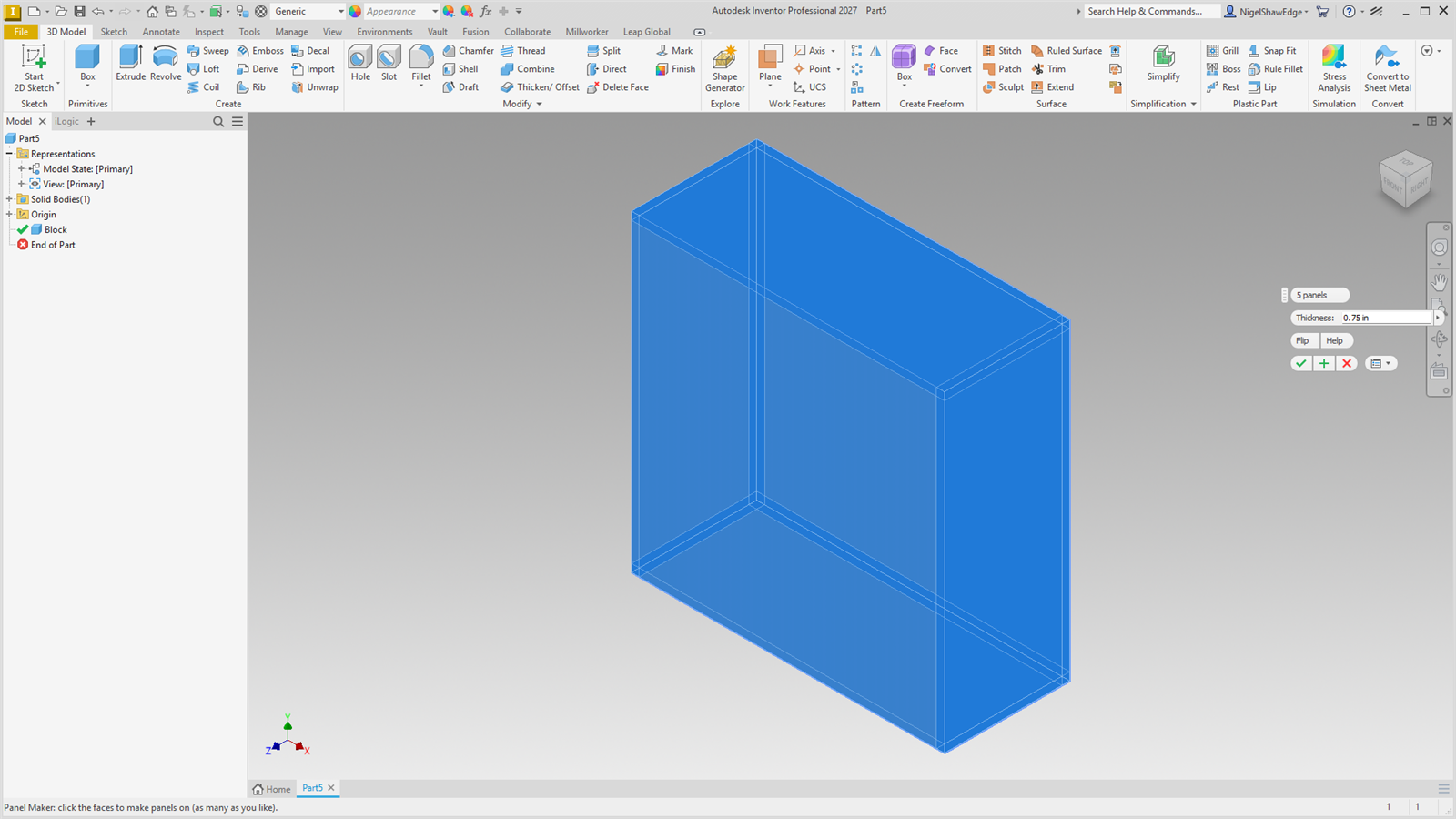
Every face becomes its own panel body (a thicken as a new solid), named Panel 1, Panel 2…, all in one undo step and one PanelMaker node. A shaped face previews as its bounding rectangle. A curved face (the side of a cylinder, a curved bubble) makes a curved panel the same thickness all round; it previews as the face itself. Flatten it with Make Flat. Parameter: MW_PanelMaker#_Thickness.