 Millworker
 Place Hardware
Put the fastener in every tagged hole: the hole type's fastener, or the joint tools' screws, dowels, cams and hinges.
- An assembly of panels whose parts have Millworker hole or joint nodes (for example made with Make Components from the multi-body part).
- Hardware panel → Place Hardware.
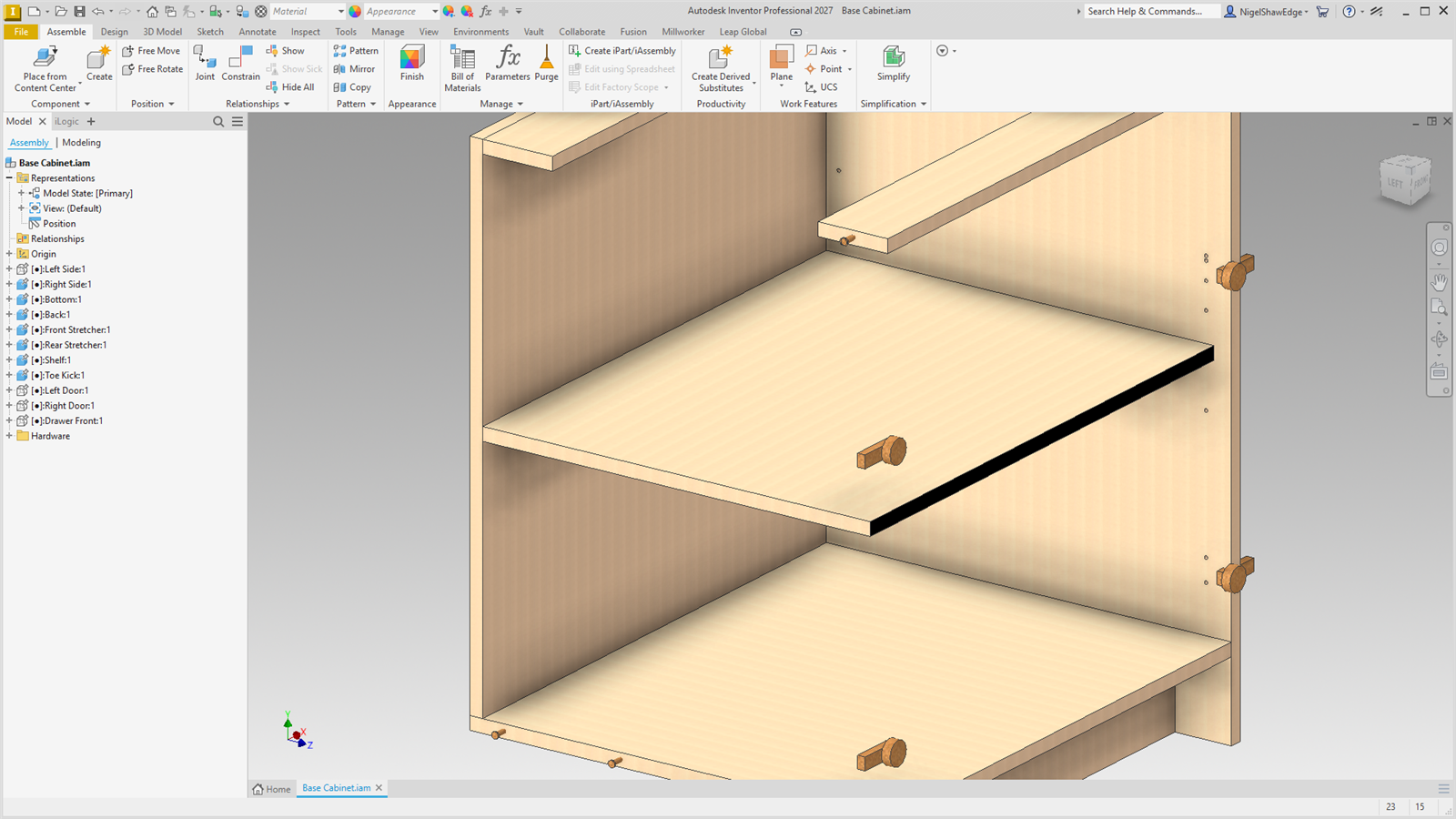
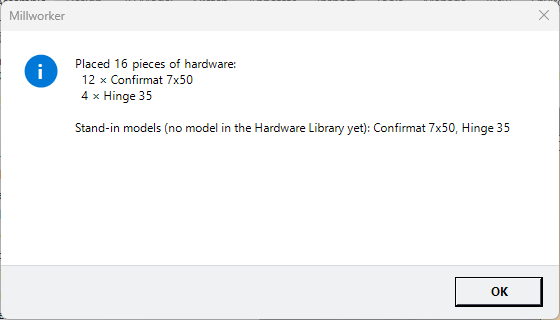
The hole and joint tools tag each hole with what goes in it. Place Hardware finds the tags in every panel and puts a part in each hole, in the panel's place in the assembly, in a Hardware folder in the browser. It ends with a count of each.
| Holes | What is placed |
|---|---|
| Place Hole, Confirmat | The hole type's fastener (Hole Types). A hole type with no fastener that doesn't need one (shelf pins, a line bore) gets nothing. |
| Dowels | A dowel (8x35) across the joint. |
| Cam Dowels | The cam housing, the cam bolt and the dowels. |
| Domino, Clamex P, Biscuit | The tenon, connector or biscuit, along the joint. |
| Pocket Screws | A screw where the pocket steps down. |
| Hinge Holes | A hinge at each cup's centre on the door. |
Without a fastener of its own, the library's row for the kind and size is used, then its row with a blank size, then a stand-in.
Holes that already have a fastener are skipped: ones filled with Insert Fastener, or a library part you put in yourself. Running it again after changes replaces only its own earlier hardware, as one undo step, so nothing doubles up. A part made by Make Components gets the tags of the bodies it takes, so each piece is placed once.